The operating system for traders
Trade your plan, not your emotions.
Tredio sizes every position, checks your own rules before you enter and journals what really happened, so you can see exactly where your process breaks.
Free plan · No card needed · Works on any phone or computer
Exact position sizing
Rounded down to your lot step
Prop-firm limits
Daily loss and maximum drawdown
Automatic MT5 sync
Read-only, with your investor password
Private by default
Export or delete any time
How it works
One daily routine. Four steps.
Most traders don't lose because their analysis is wrong. They size too big, skip their rules after a loss, or never look back. Tredio fixes the process.
- 1
Size the trade
The risk calculator works out your lot size from the stop, rounds down to your broker's lot step and shows the risk you actually take.
- 2
Check your rules
Run your own pre-trade checklist. Skipping a required rule is saved as an override, so it shows up later.
- 3
Record the trade
Plan, execution and outcome in one place, with screenshots. Planned risk and R are worked out for you.
- 4
Review the week
See what worked, which rules you broke and which days cost you, on one page.
Limits
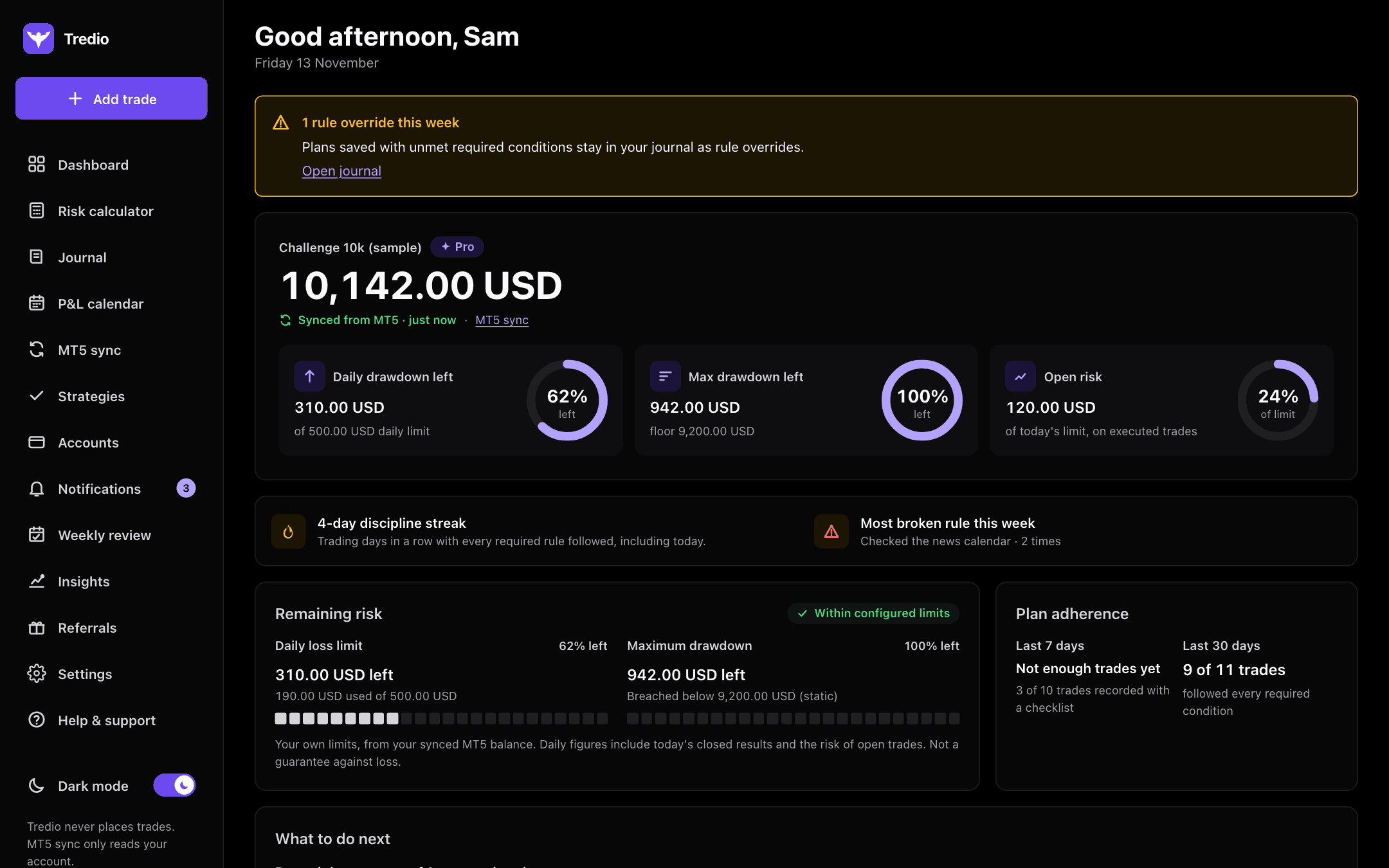
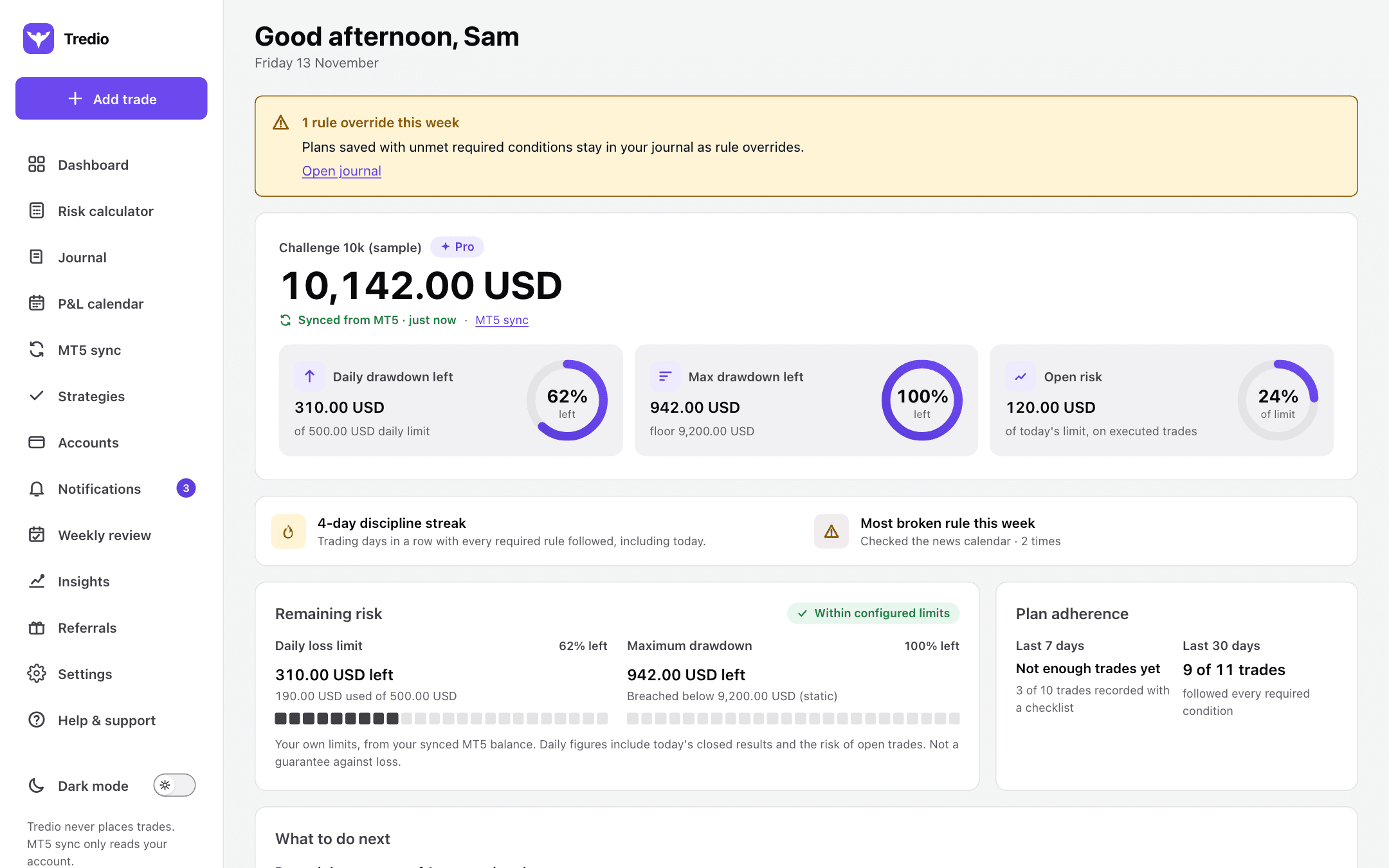
Know how much room you have left today.
Set your daily loss limit and maximum drawdown once. Tredio keeps your daily and max drawdown left in front of you, including the risk of trades that are still open.
- Daily and max drawdown left at a glance
- Built for prop-firm challenge rules
- Several accounts, each with its own limits
Journal
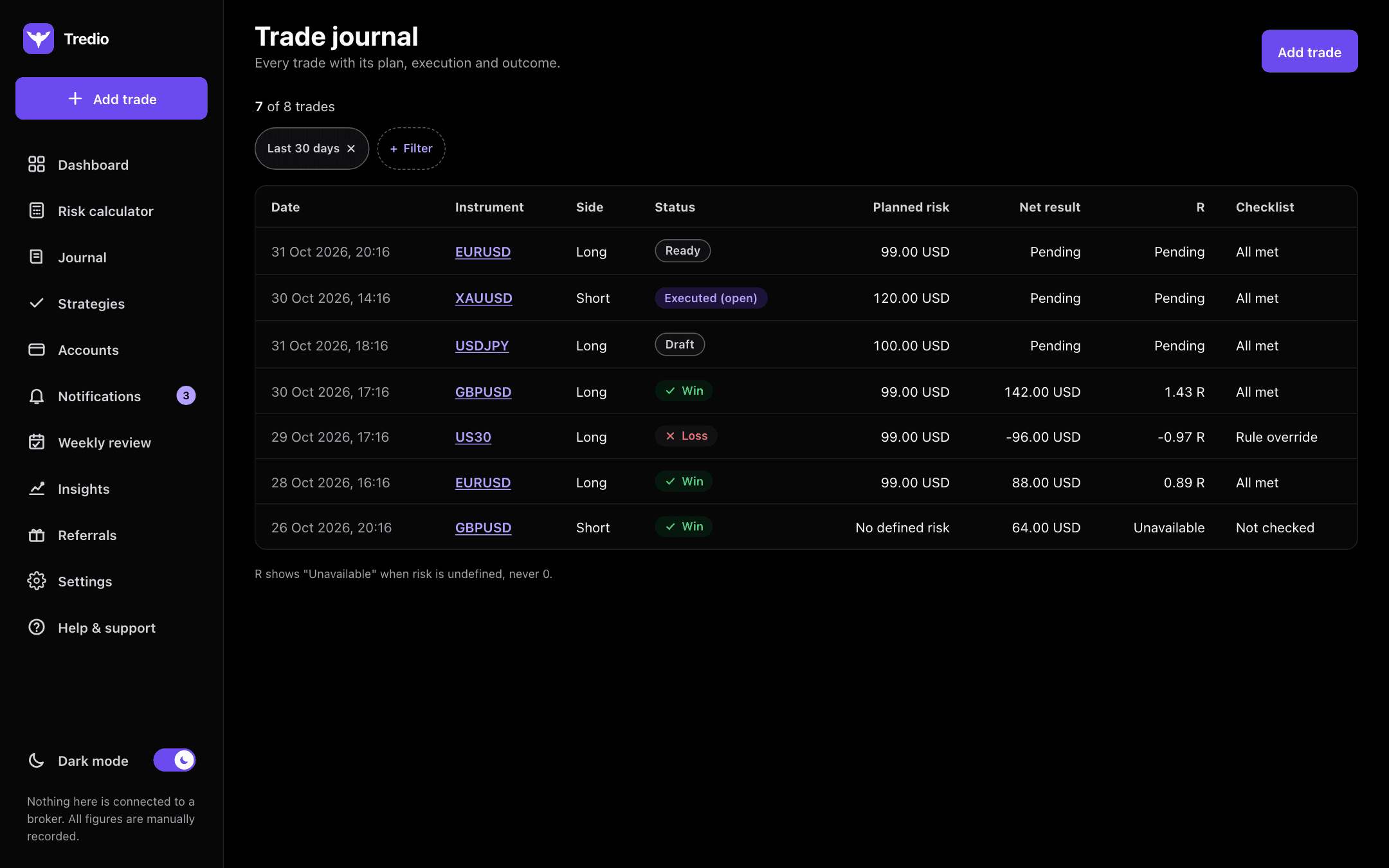
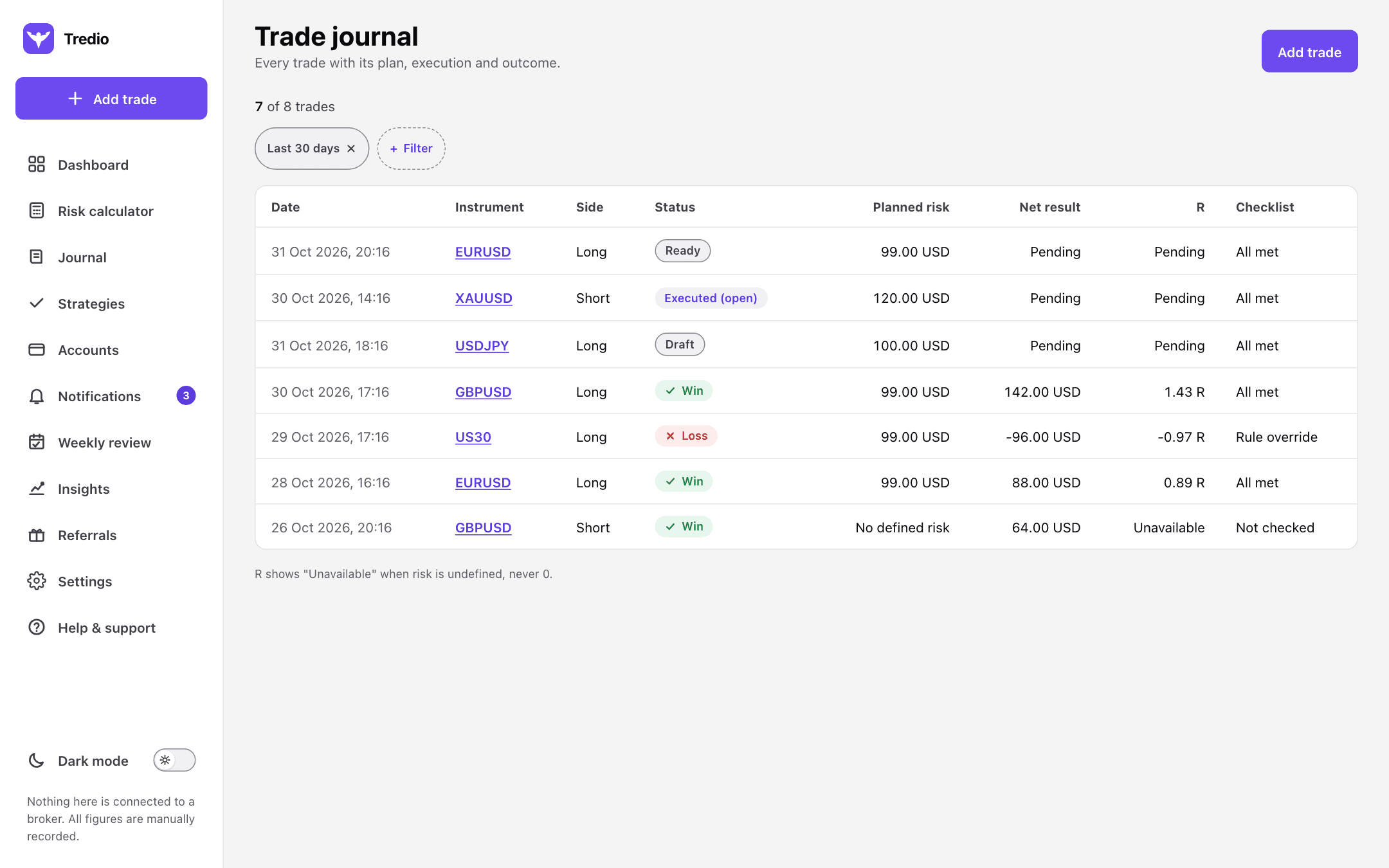
A journal that shows plan versus reality.
Every trade keeps what you planned, what you did and how it ended. Plans lock once a trade is placed, so the record stays honest.
- Planned risk, net result and R on every trade
- Rule overrides are recorded, never hidden
- Automatic MT5 sync (Starter and Pro), or import from a file (Pro)
P&L calendar
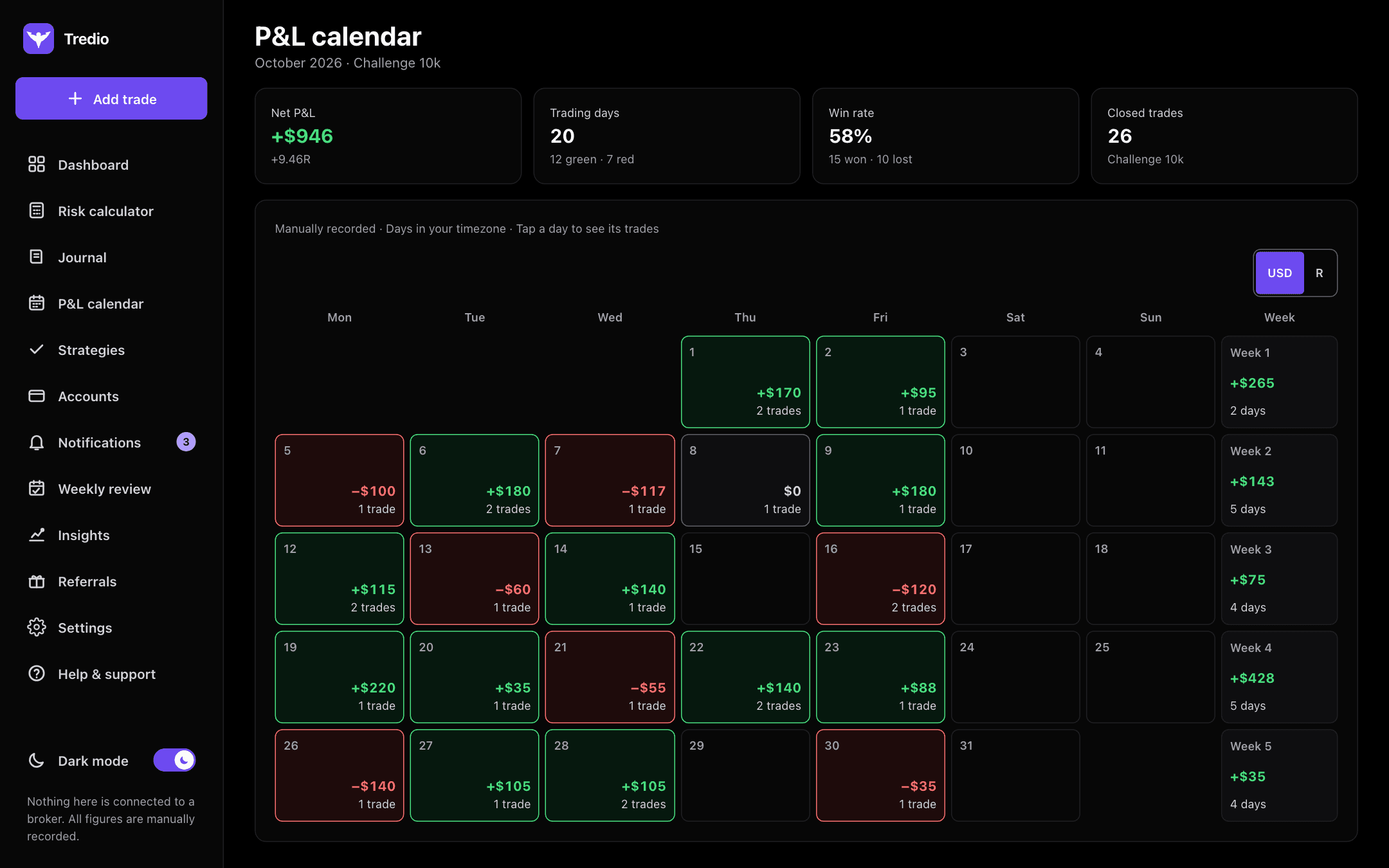
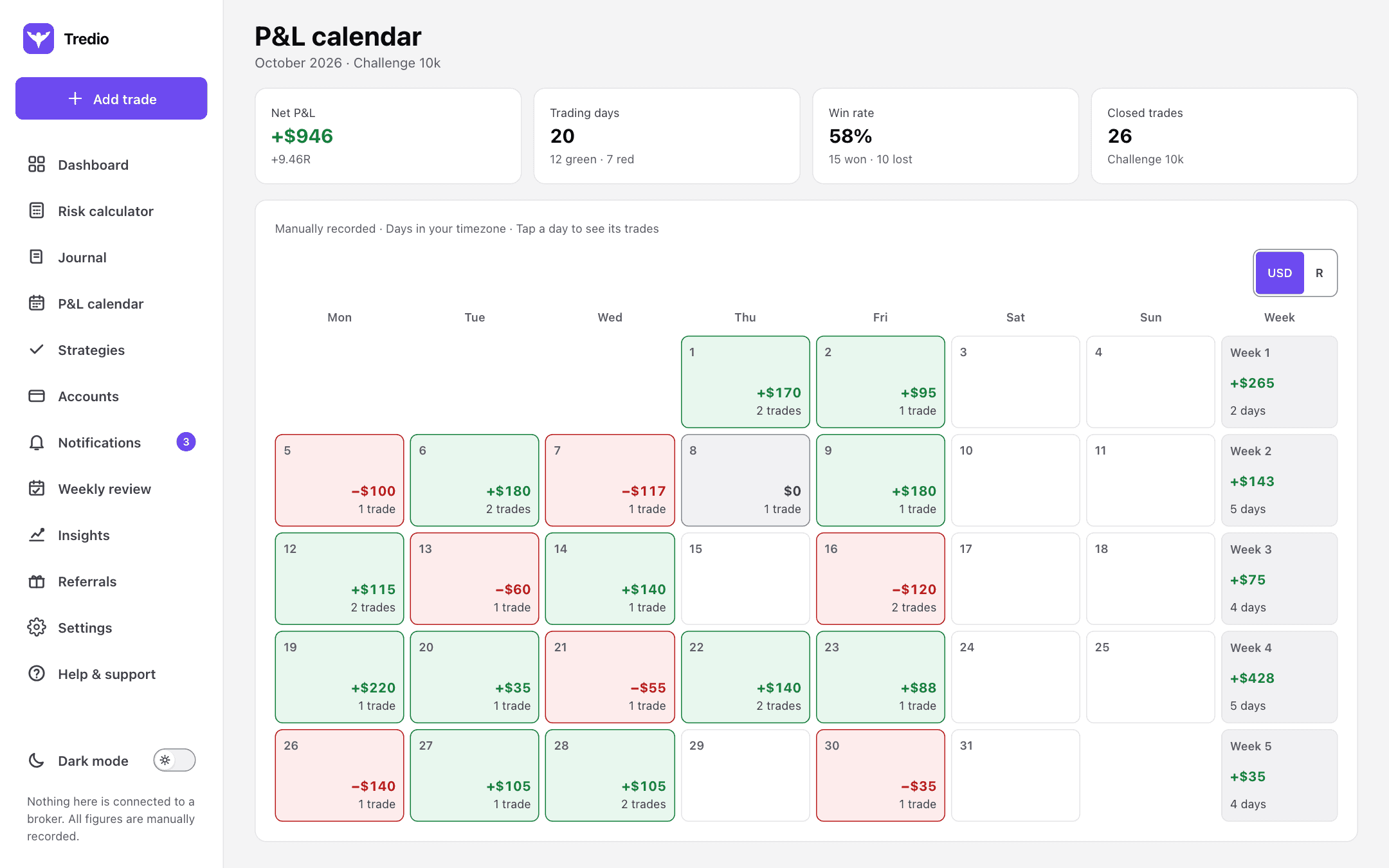
Every trading day of the month, at a glance.
Green days, red days and the result of each one, with weekly and monthly totals. Share a picture of your month with your amounts, in R only, or with the numbers hidden.
- Daily result and trade count, in money or R
- Weekly totals, win rate and green versus red days
- One-tap share picture, without your account name or balance
Weekly review
Close every week with clear answers.
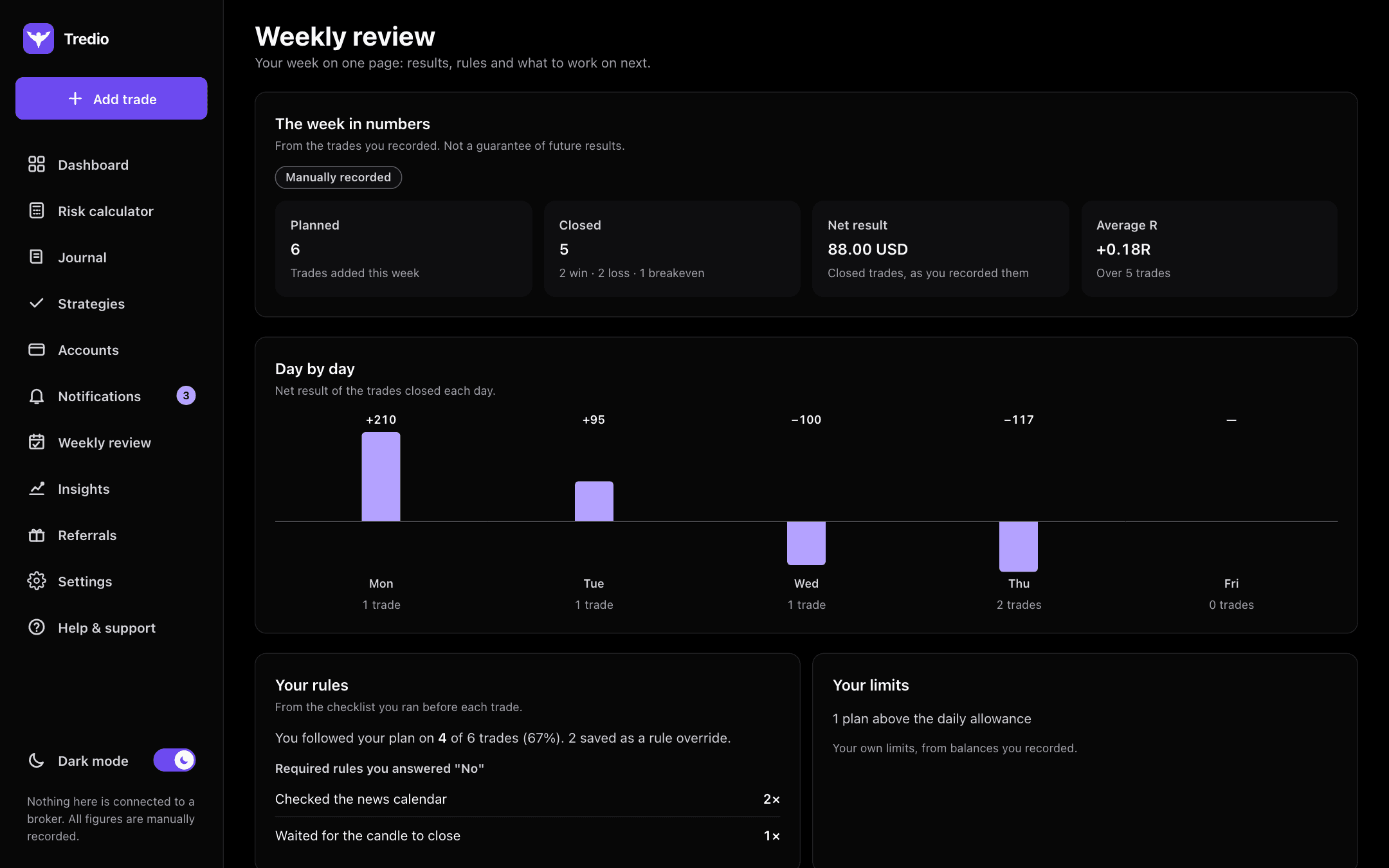
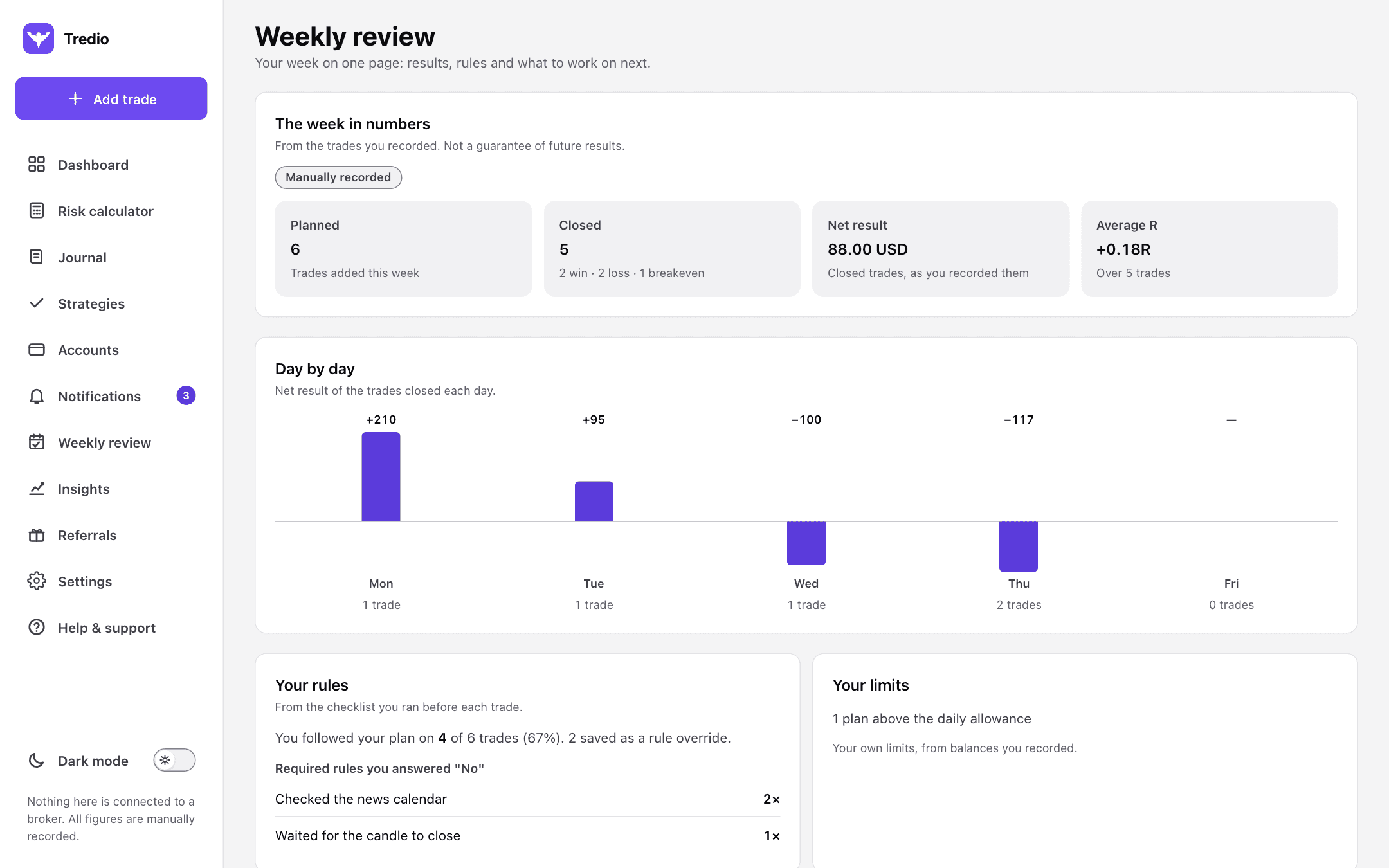
Your week on one page: trades, results day by day, the rules you skipped and the limits you went past. Write down one thing to work on next.
- Day-by-day results chart
- Which required rules you answered "No"
- Notes you can look back on
Insights
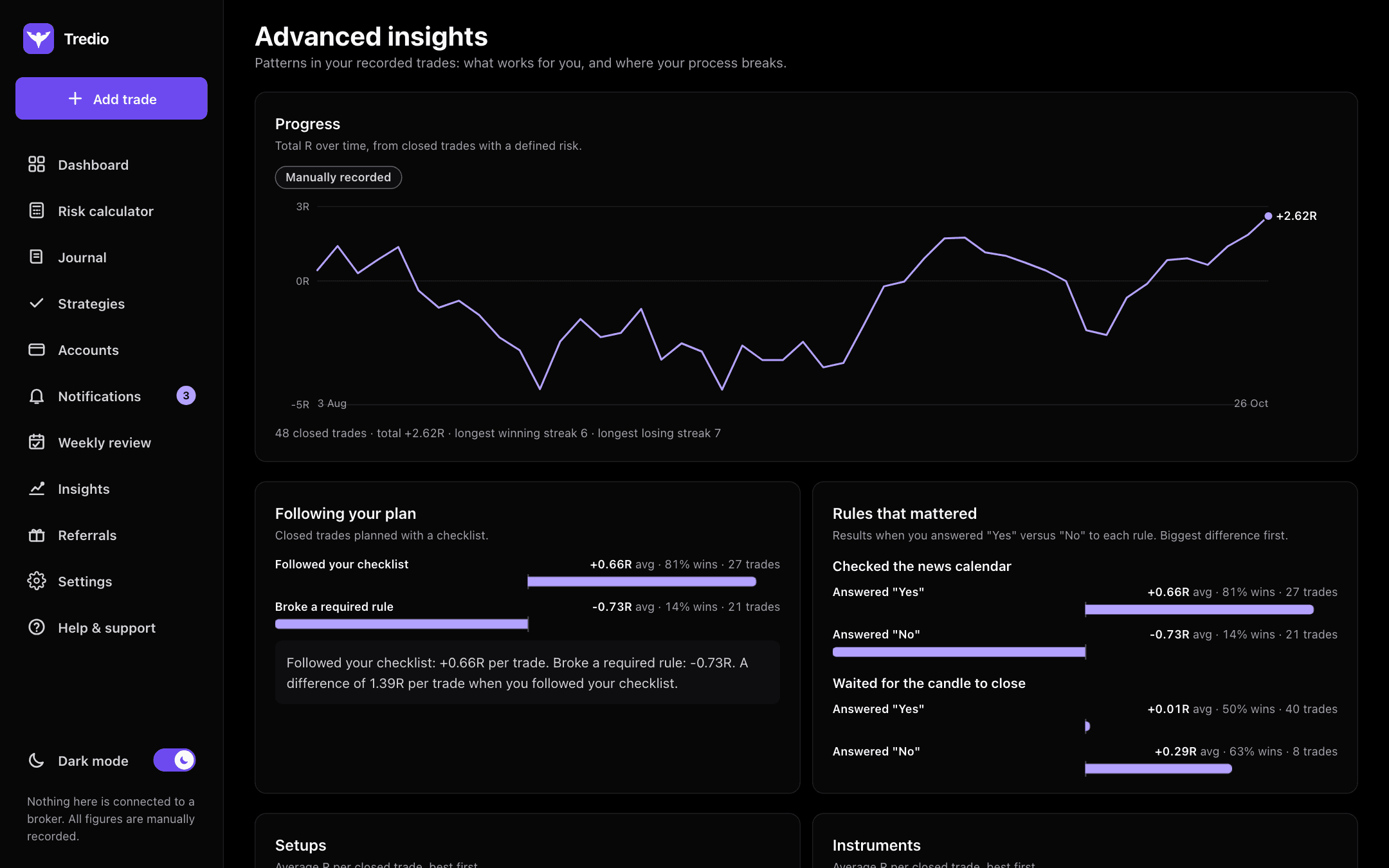
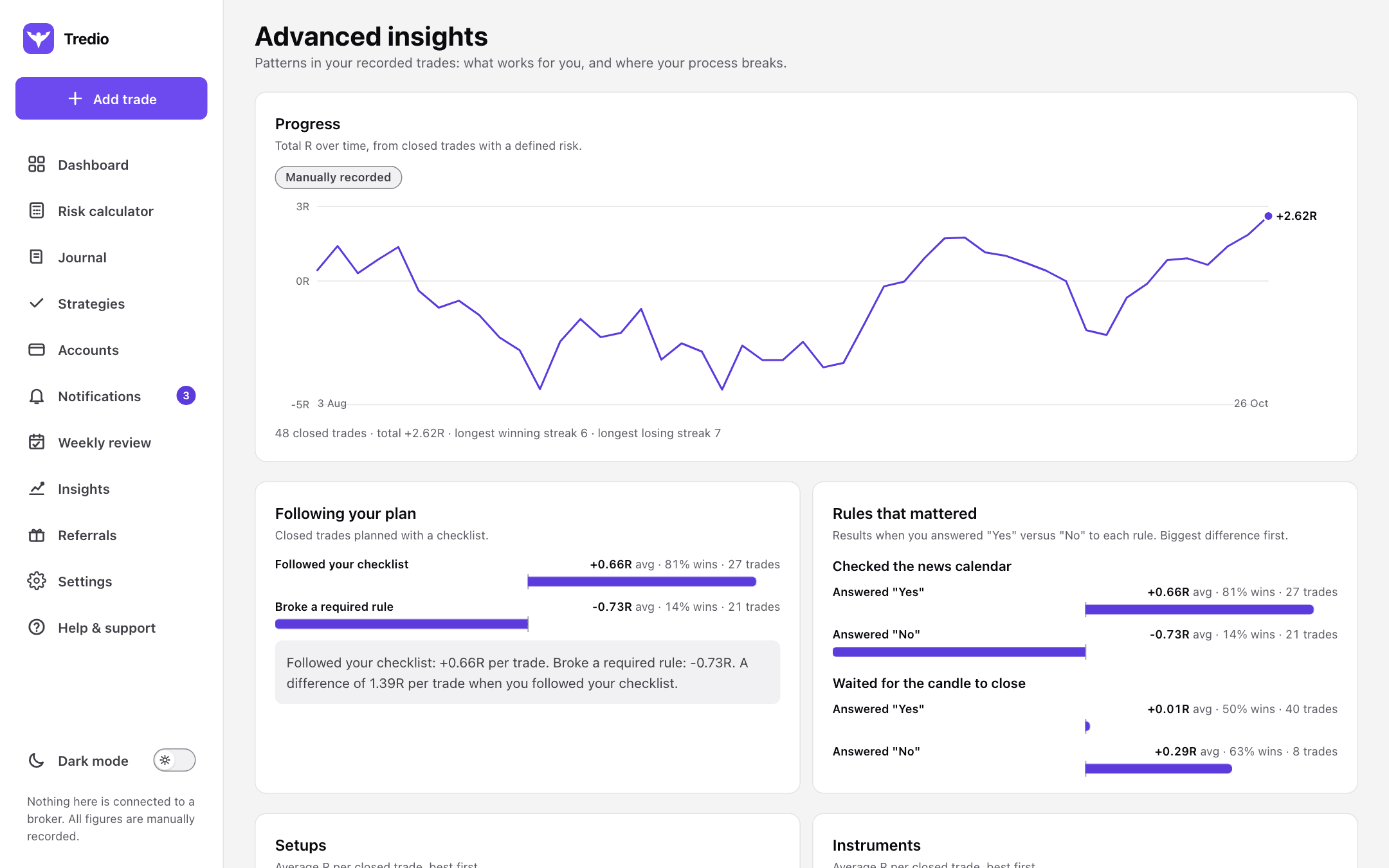
Find the rules that really matter for you.
Compare trades where you followed your checklist with trades where you didn't, rule by rule, setup by setup, from your own records.
- Progress in R over time
- Followed plan versus broke a rule
- Best and worst setups and instruments
Who it is for
Wherever you are as a trader.
Building discipline
You know the rules but break them under pressure. Tredio puts them in front of you before every trade and keeps score.
Prop-firm traders
Daily and maximum drawdown limits always in view, so one bad session doesn't end the challenge.
Experienced traders
Your own data, not opinions: which setups, rules and days actually work for you.
What Tredio is not
Not a signal service, never connected to your broker to trade, and no profit promises. It keeps your records straight and your numbers right; every decision stays yours.
Pricing
Start free. Upgrade when you need more.
Every plan includes the full daily routine. Cancel any time and keep everything you recorded.
Questions
Does Tredio place trades or give signals?
No. Tredio never trades for you and never tells you what to buy or sell. It is a record-keeping and calculation tool; every decision stays yours.
Do I need to connect my broker?
No. You can record trades by hand. On Starter (one account) or Pro (every account), you can connect MT5 sync with your read-only investor password so your balance and trades update by themselves, or import your MT5 history from a file.
Can Tredio trade on my account?
No. MT5 sync uses only the investor password, which can view an account but never place, change or close a trade. Tredio never asks for your main trading password.
Is it really free?
Yes. The Free plan has the risk calculator, checklists, journal and dashboard with no card and no time limit. Paid plans lift the limits and add reviews and insights.
Which markets does it work with?
Forex, gold, indices and other CFD instruments. You can add your own instruments and contract details on paid plans.
Can I share my results?
Yes. The P&L calendar makes a picture of your month for WhatsApp, X or Instagram. You choose to show amounts, R only, or no numbers at all; your account name and balance are never on it.
Is my data private?
Yes. Only you can see your trades and notes. You can export everything as CSV or delete your account at any time.
Does it work on my phone?
Yes. Tredio runs in the browser on any phone, tablet or computer, with nothing to install. You can add it to your home screen.
More answers in the help centre.
Start trading your plan today.
Set up your account and limits in about five minutes. Free, with no card needed.
Get started free